
Getting Started
Installation
Section titled “Installation”Install the theme package:
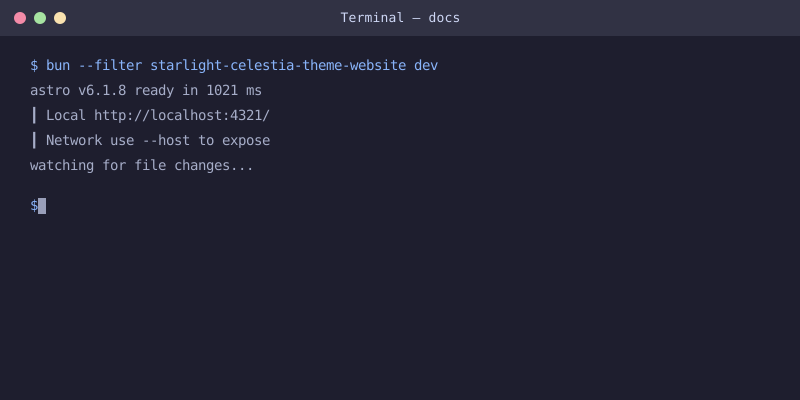
Once installed, start the dev server:
Configuration
Section titled “Configuration”Add the theme plugin to your astro.config.mjs:
Options
Section titled “Options”The theme accepts the following options:
An array of navigation items to display in the header bar.
stylingSystem
Section titled “stylingSystem”Controls whether to use Tailwind CSS or plain CSS. Defaults to "detect" which auto-detects Tailwind in your project.
Multi-Sidebar
Section titled “Multi-Sidebar”The theme ships @lorenzo_lewis/starlight-utils as a dependency for easy multi-sidebar support.
Add it alongside the theme plugin:
Each top-level group in your sidebar config becomes an independent switchable sidebar.
Features
Section titled “Features”- No sidebar borders — Clean, seamless layout
- Inter font — Self-hosted via
@fontsource/inter, 14px base size - Wider content —
55remcontent width (up from default50rem) - Narrower sidebars —
17remsidebars for better content focus - 3-way theme toggle — Cycles through Auto, Light, and Dark
- Warm accent colors —
#fb923c(dark) /#c2410c(light) - Multi-sidebar ready — Ships
@lorenzo_lewis/starlight-utilsfor multi-column sidebar support